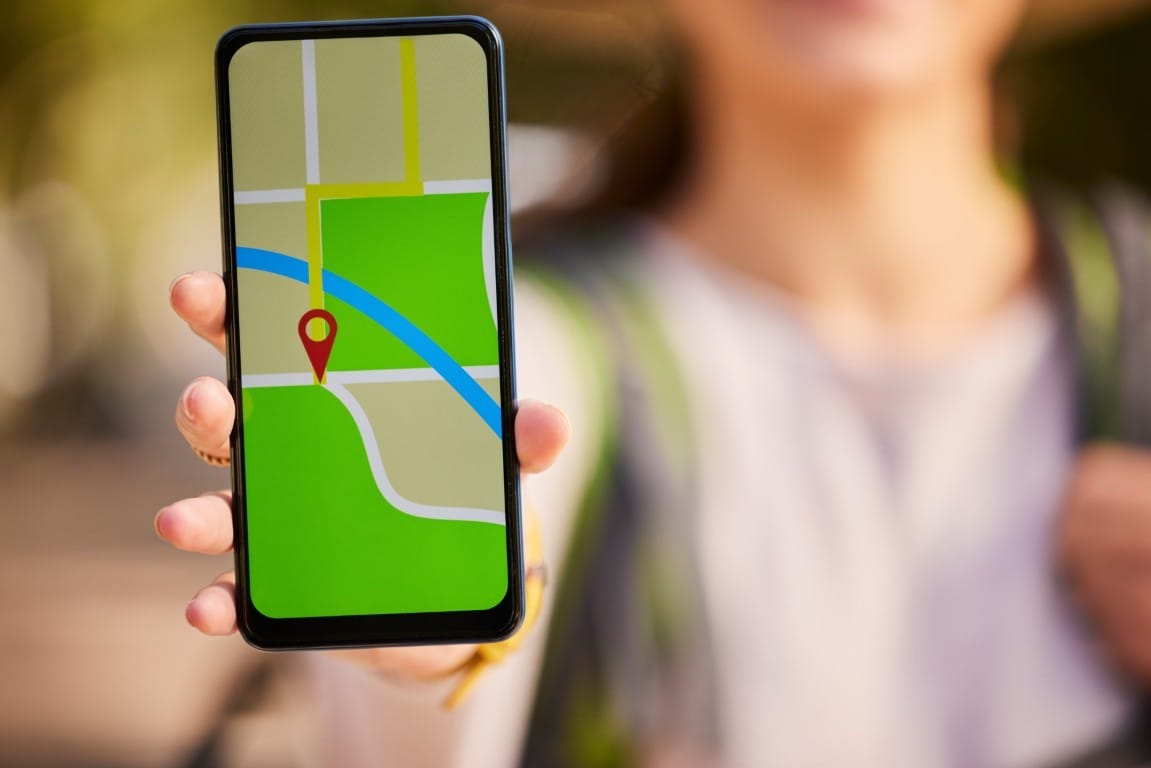
When someone taps “tacos near me” at 7:14 p.m. on a Friday, Google isn’t reading your homepage. It’s reading your Google Business Profile — and it’s ranking you against every other restaurant within a mile based on how completely and accurately that profile is filled out. Restaurant Google Business Profile optimization is not a mystery service. It is a checklist of fields that either match what the searcher wants or don’t.
This guide walks through the three profile areas that decide most near-me results for restaurants — photos, menus, and hours — plus the supporting fields that quietly tip the ranking. Everything here is verifiable by the owner in the Google dashboard.
Why Photos, Menus, and Hours Move the Needle
Near-me queries are high-intent and time-sensitive. Google’s job is to serve a result the searcher can act on in the next twenty minutes. That means the algorithm favors profiles that answer three quiet questions before the click:
- Is this place open right now?
- Does it serve what I’m searching for?
- Does it look like a real, appealing business?
Hours answer the first. Menus answer the second. Photos answer the third. When any of the three is missing, thin, or contradicted by another field, the profile loses ground to a competitor that has all three tight — even if that competitor has fewer reviews or a weaker website.
This is the operational fix behind the breakout near-me query pattern we see across restaurant local SEO work.
Photos: What to Upload, What to Verify
Photos are the field owners most often outsource once and then never touch again. Google weighs photo recency and category coverage, and searchers judge a restaurant on the top three or four thumbnails they see before scrolling.
Deliverables for a healthy photo library:
- Exterior shot showing the storefront and signage from the sidewalk
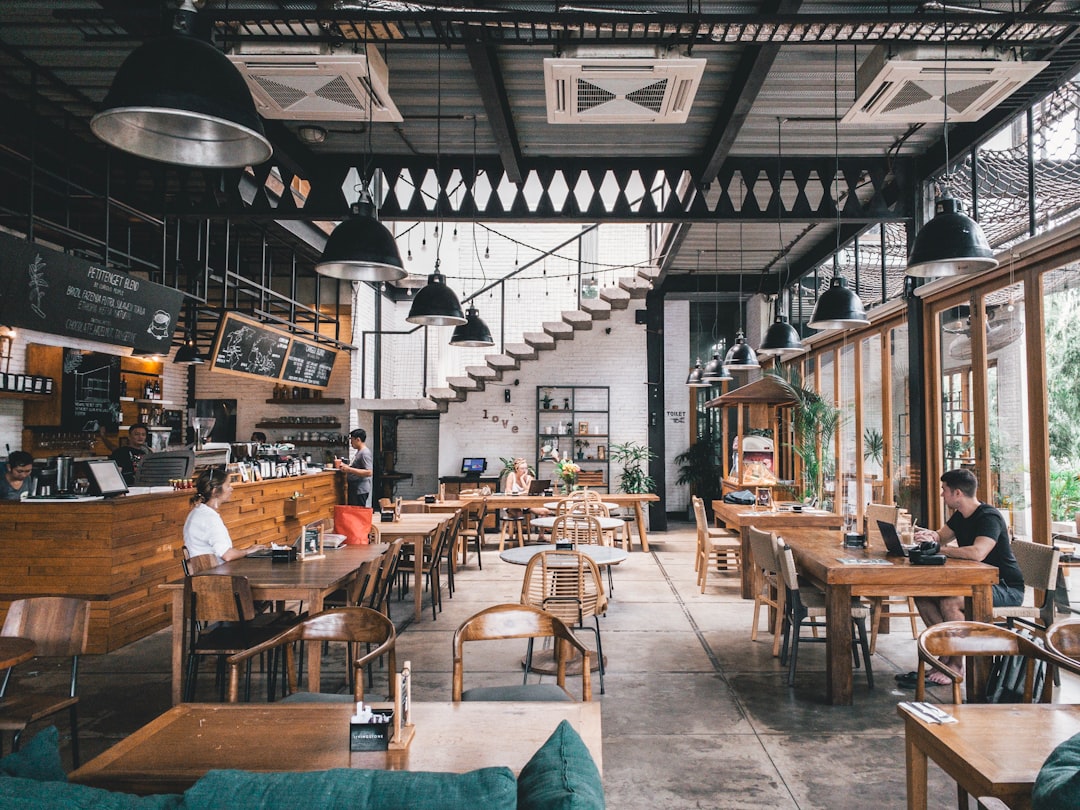
- Interior showing seating, lighting, and general vibe
- Six to ten current dish photos, shot in natural light
- One clear image of the menu board or printed menu
- Team or owner photo (optional, but it helps trust)
- A short video clip if you have one — Google accepts up to thirty seconds
How the owner verifies it:
- Open the profile in the Google dashboard.
- Click Photos and check the “By owner” tab, not just “All.”
- Confirm the last upload date is within the current quarter.
- Check that the cover and logo images are set intentionally, not auto-picked.
Customer-uploaded photos will still appear and sometimes rank above yours. You cannot delete them unless they violate policy, but you can dilute weak ones by uploading better shots regularly.
Menus: The Field Google Uses to Match Cuisine Queries
When someone searches “gluten free pasta near me” or “birria tacos Huntington Beach,” Google is scanning menu content across nearby profiles. If your menu lives only as a PDF on your website — or worse, only on a third-party delivery app — you are invisible for those long-tail queries even if you serve exactly that dish.
What to load into the profile:
- Menu items entered as structured entries in the Menu section, not as a photo
- Item names spelled the way customers search them (“birria” not “beef stew tacos”)
- Short descriptions with ingredients — this is where cuisine and dietary keywords live
- Sections grouped the way your kitchen groups them (Starters, Tacos, Bowls, Desserts)
- Prices, if you list them publicly elsewhere — leave blank if not
Common mistakes:
- Uploading a menu PDF as an image. Google cannot read it well.
- Copy-pasting the entire menu into the business description field.
- Leaving “Menu URL” pointed at a broken or third-party link.
The same principle — structured data over screenshots — applies to any local service business, which we covered in our guide to ranking higher on Google Maps.
Hours: The Field That Kills Rankings When It’s Wrong
Hours are the fastest way to lose a near-me result. If your regular hours say you close at 9 p.m. but you actually closed at 8:30, the customer who drives over at 8:45 leaves a one-star review and never comes back. Google also demotes profiles that get repeatedly reported as “temporarily closed” or “hours don’t match.”
Deliverables for hours accuracy:
- Regular hours set for all seven days, including days you are closed
- Special hours entered for every federal holiday, at minimum
- Special hours entered for local events if they change your schedule
- Kitchen-close time reflected accurately — if the kitchen stops at 9 but the bar goes to 11, use the More Hours section to split them
- Delivery, takeout, and dine-in hours listed separately when they differ
How the owner verifies it:
Open the profile on a phone in an incognito browser. The public-facing card should show today’s hours in green (“Open now”) or red (“Closed”). If it says “Hours might differ,” Google is warning searchers not to trust the listing — and it is quietly ranking you lower because of it.
The Supporting Fields That Tip Close Races
Photos, menus, and hours get you into the conversation. The following fields decide which of three closely matched restaurants wins the top slot in the local pack.
| Field | Why It Matters | How to Verify |
|---|---|---|
| Primary category | Google matches this to the query first | Should be the most specific option (e.g., “Mexican restaurant”) |
| Secondary categories | Catches related queries | Add 2–4 that genuinely describe what you serve |
| Attributes | Filters like “outdoor seating,” “vegan options” | Check every attribute that applies |
| Services offered | Dine-in, takeout, delivery, curbside | Toggle each on or off honestly |
| Business description | 750 characters to describe the restaurant | Should read like a human wrote it |
| Reservation and order links | Direct action buttons on the profile | Point to your own site or an approved partner |
Skipping attributes is the single most common gap we see when auditing profiles for restaurants and other local service businesses. Attributes are how Google filters results when a searcher taps “outdoor seating” or “good for kids” on the map view.
How Near-Me Actually Works — And Why This Isn’t Just Restaurants
The same profile logic that decides which taco shop wins “tacos near me” decides which dentist wins “emergency dentist near me” and which HVAC company wins “AC repair near me.” The fields are named differently by industry, but the pattern is identical: complete, current, and consistent wins. We walked through the non-restaurant version in “Near Me” Is Not Just Restaurants.
For restaurants specifically, the ranking factors stack in roughly this order:
- Proximity to the searcher (you cannot change this)
- Category and attribute match to the query
- Profile completeness — photos, menu, hours, description
- Review volume and recency
- Website signals and citations
Owners often chase item 4 with review-request campaigns before they have fixed items 2 and 3. That is backwards. A restaurant with a fully built profile will often beat one with more reviews and half-empty fields.
What You Do Yourself vs. What You Delegate

A restaurant owner can realistically own the following in-house:
- Weekly photo uploads from a phone
- Hours updates before every holiday
- Responding to reviews within 48 hours
- Answering questions posted on the profile
What usually needs a hand:
- Structuring the menu properly the first time
- Writing the business description without keyword stuffing
- Auditing categories and attributes against actual query data
- Fixing NAP (name, address, phone) consistency across directories
- Diagnosing why a profile suddenly dropped in the pack
Budget for these separately. The menu structuring is a one-time project. The audit is quarterly. The weekly work stays with whoever is closest to the food.
Next Step
Open your profile right now on a phone, in an incognito tab, and search for your restaurant by name. Look at what a first-time customer sees in the first two seconds. If the top photo is a blurry customer shot from 2022, if the menu section is empty, or if today’s hours are missing — that is your ranking problem, and it is fixable this week.
For a broader view of what a complete local footprint looks like, our digital presence checklist covers the pieces beyond the profile itself, and our small business SEO service page explains how the ongoing work is scoped.
Photos by Shawn, Patrick Tomasso, Firmbee.com, Firmbee.com on Unsplash.